
|
01
Go to Google Business ProfileOpen your browser and type business.google.com into the address bar. 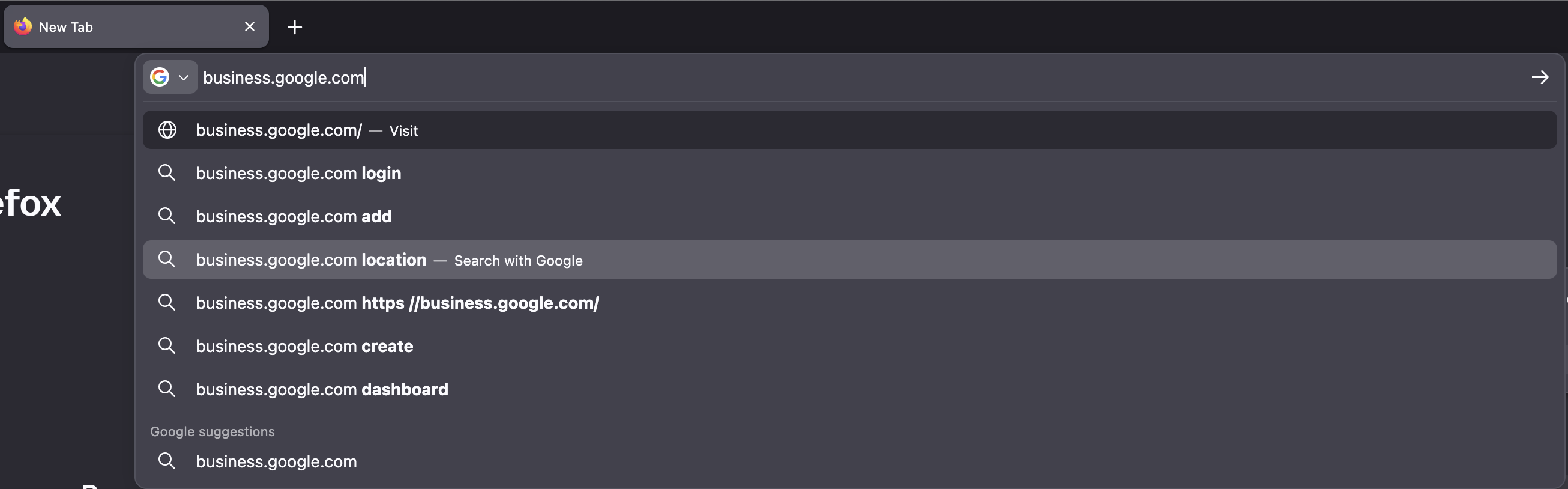
|
|
|
02
Click Start NowClick the Start now button in the top-right corner. 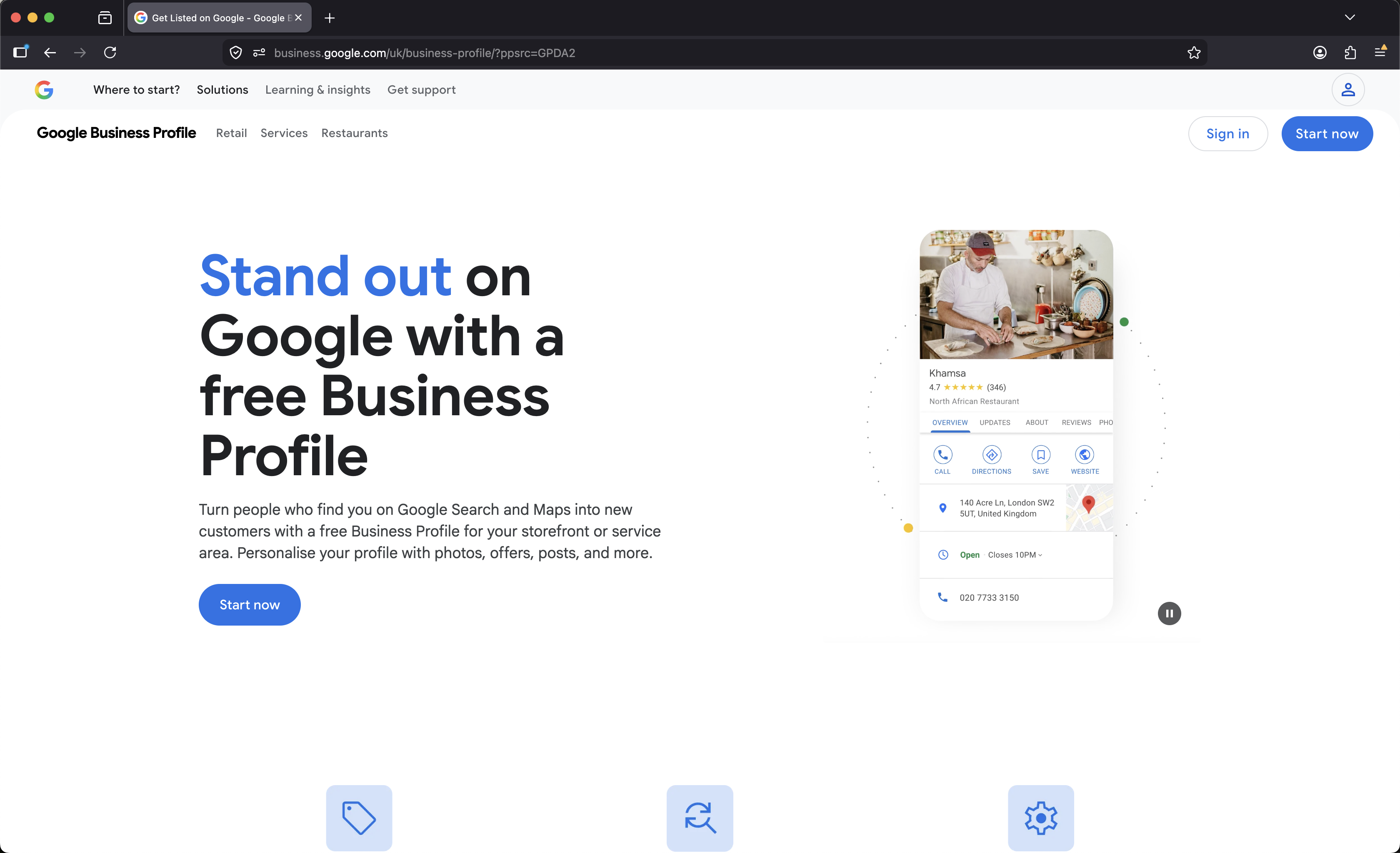
|
|
|
03
Sign Into GoogleEnter the Google account linked to your business profile. 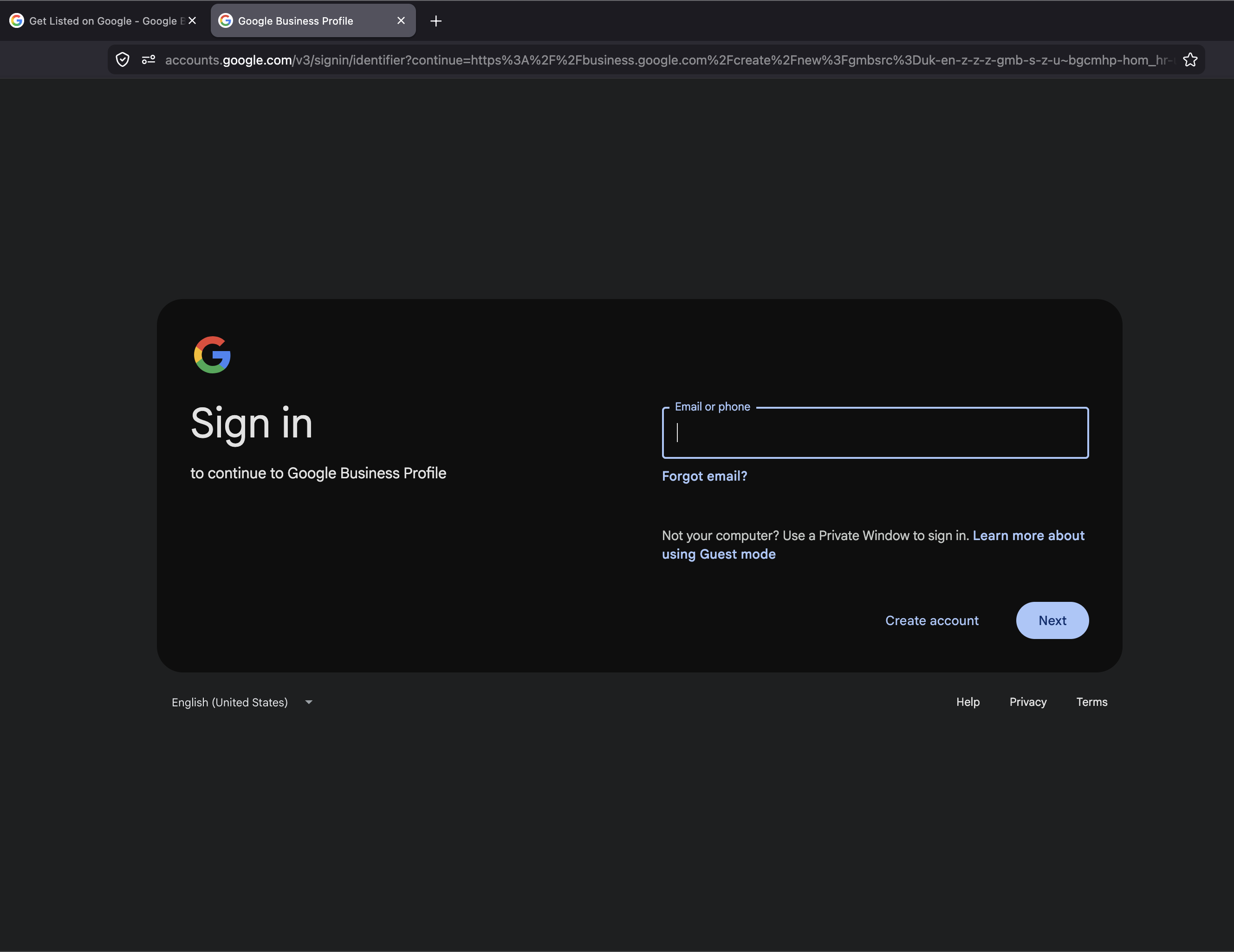
|
|
|
04
Open Your DashboardYou should now see your Google Business dashboard. 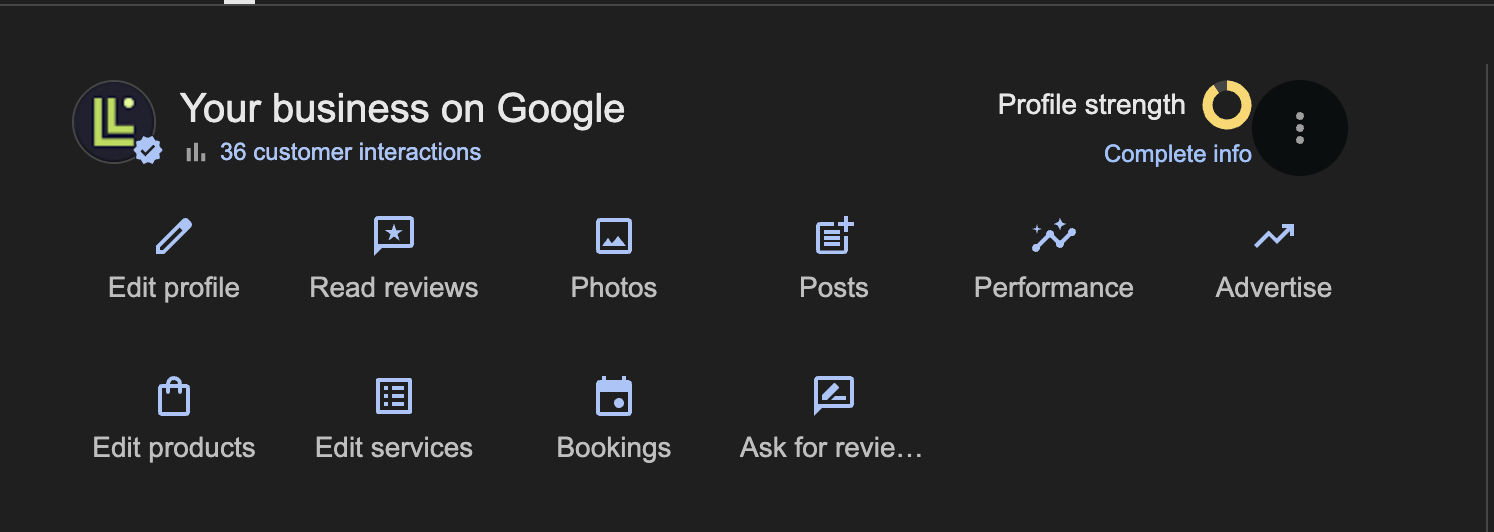
|
|
|
05
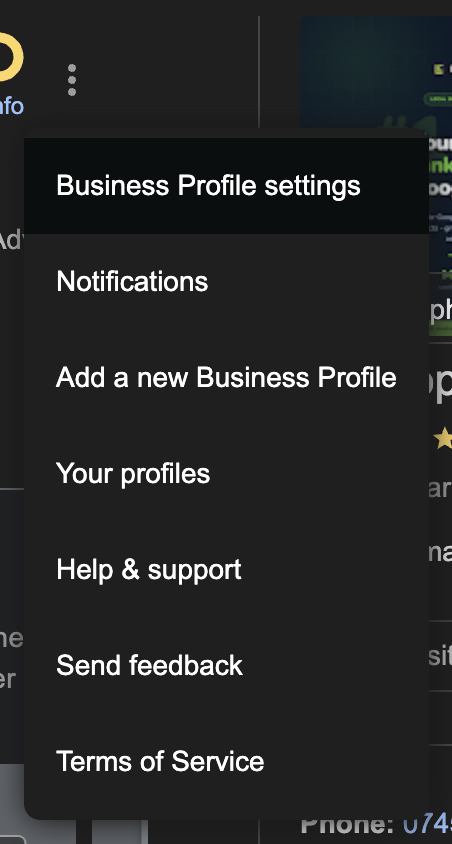
Open Business Profile SettingsClick the three-dot menu to access business profile settings.
|
|
|
06
People and accessClick on People and access. 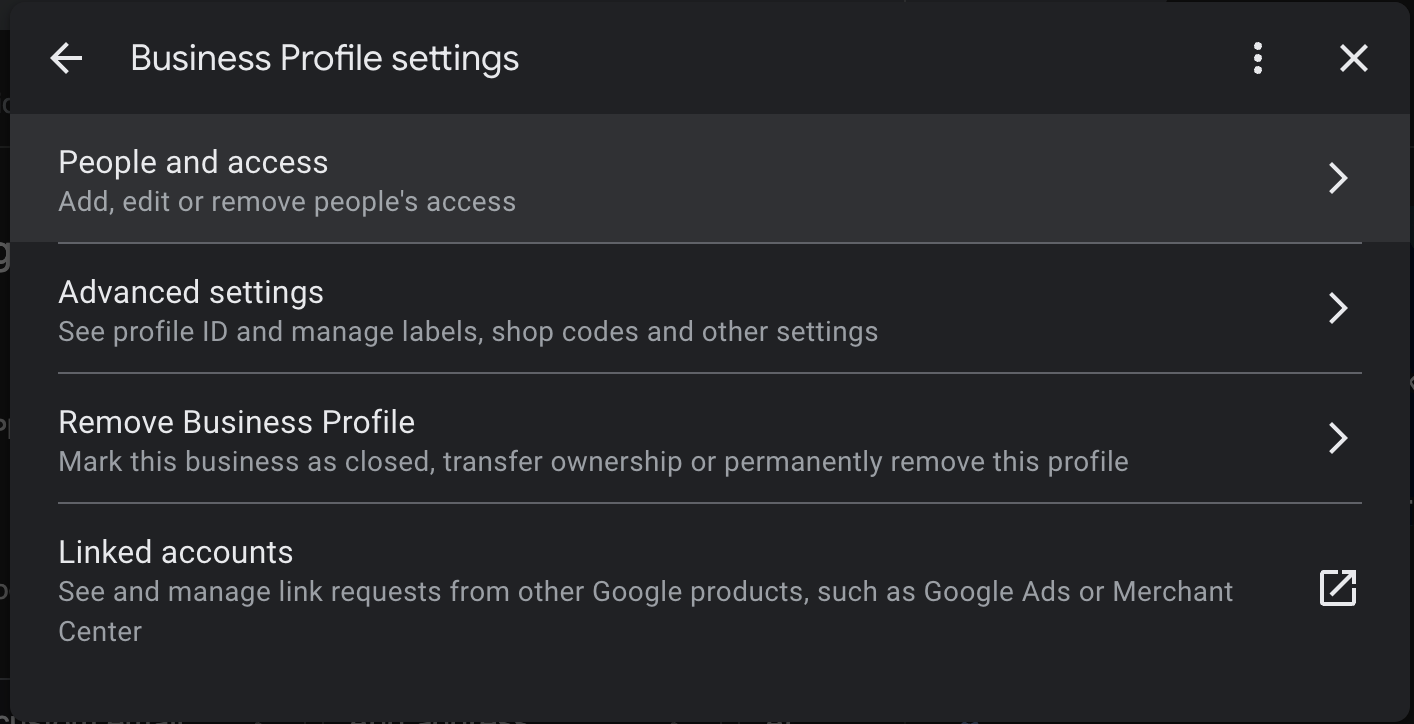
|
|
|
07
Confirm PermissionsClick the button to add a user to the dashboard. 
|
|
|
08
You're All SetAdd ([email protected]) as a user with manager permissions. Once access has been granted, the Lumeops team can begin optimizing and managing your profile. 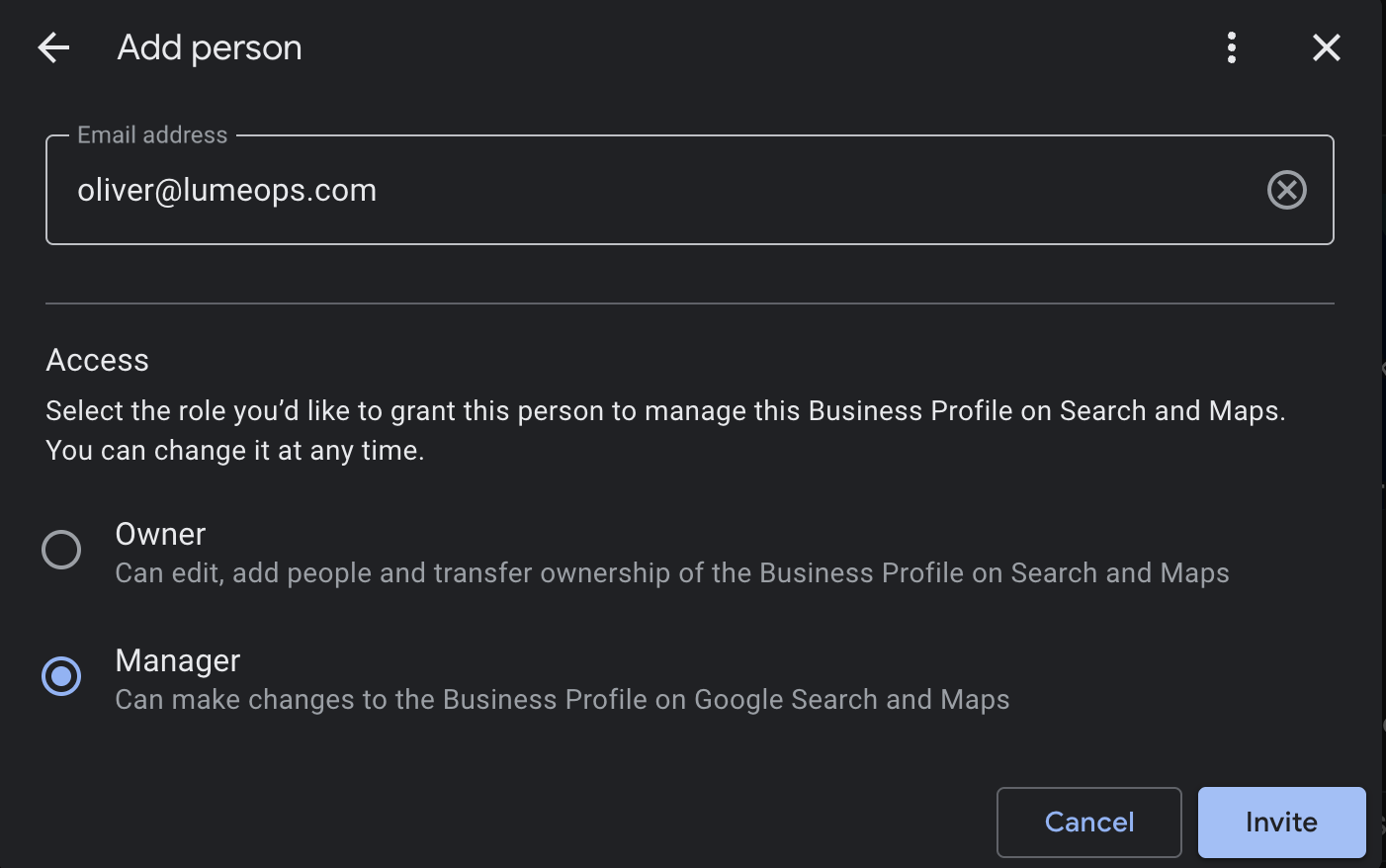
|
| © Lumeops • Google Business Profile Tutorial |